Your Stripe account, now at the counter
AlfaPOS adds an in-person checkout to the Stripe account you already have. Sales at your counter land next to your online sales, in the same account and the same Dashboard.
- Keep your Stripe account
- Paid out by Stripe
- Card details stay with Stripe
- Disconnect any time


Who does what
AlfaPOS doesn’t replace any part of Stripe. Each does its own job.
Stripe
- Processes every payment
- Keeps card details secure
- Holds your money and pays it out to your bank
- Handles disputes
AlfaPOS
- Runs your checkout
- Gives your staff their own logins and permissions
- Adds cash sales and selling by weight
- Brings sales events, Fee Saver, reports and more
What stays the same
Your Stripe account, Dashboard, customers, products and history all stay where they are. AlfaPOS asks Stripe for permission to work with your account and never sees your Stripe password.
You can disconnect from the AlfaPOS settings, or remove its access from your Stripe Dashboard, at any time.
Where your money goes
Sales are made on your Stripe account, in your business’s name. The money goes to your Stripe balance, and Stripe pays it out to your bank on the schedule you’ve set.
AlfaPOS never holds or moves your money.
What you pay
You pay Stripe’s usual processing fees, charged by Stripe.
On top of that is the AlfaPOS fee: 1% per payment, going down to 0.6% as your sales grow. Stripe takes it from each payment, and it shows as its own line in your Dashboard. There are no setup, monthly or per-staff fees.
Who handles card details
Stripe does. Card readers and Tap to Pay encrypt the card the moment it’s tapped, inserted or swiped. Typed-in cards go into Stripe’s own secure form.
Card numbers never reach AlfaPOS.
What AlfaPOS keeps
AlfaPOS keeps its own record of each sale’s items, staff and event, for reports, receipts and offline mode. The payment itself always lives in Stripe.
If you refund a payment in your Stripe Dashboard, or an invoice is paid or voided there, AlfaPOS updates to match.
Card readers and Tap to Pay
Pair a Stripe reader, take payments with Tap to Pay on your phone, or run AlfaPOS directly on the Stripe Reader S700 or S710.
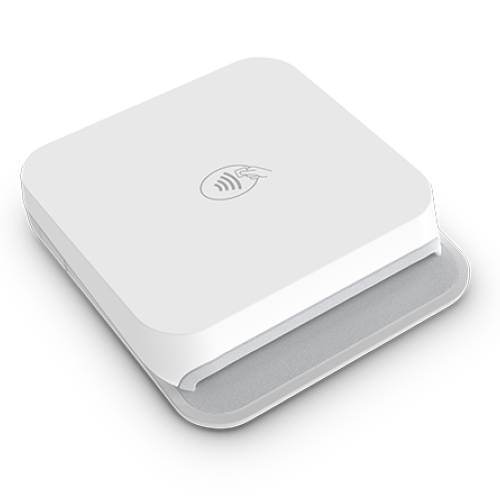
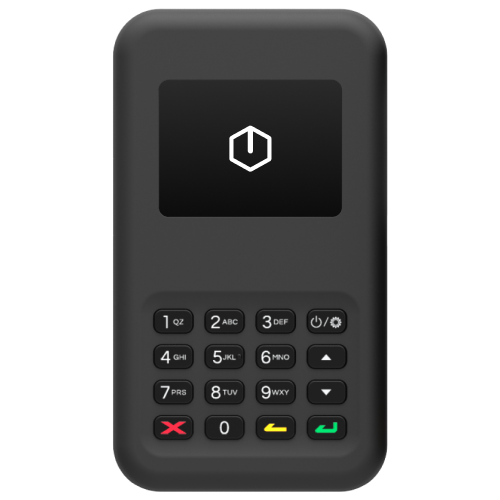
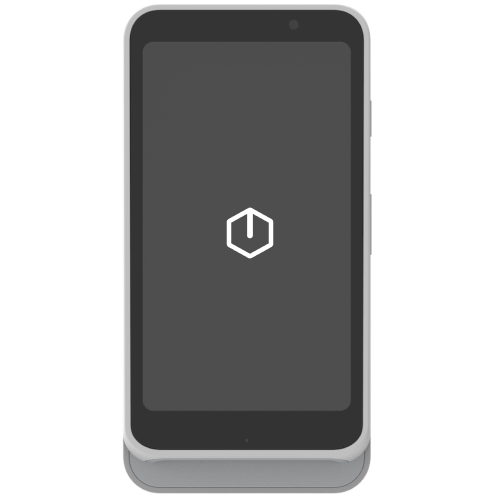
Stripe Reader S700/S710
Stripe-branded Android-based internet reader for countertop and handheld use.
Order from Stripe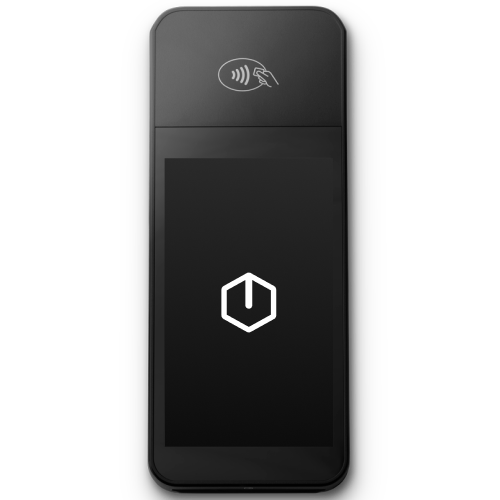
BBPOS WisePOS E
Android-based internet reader for countertop and handheld use.
Order from Stripe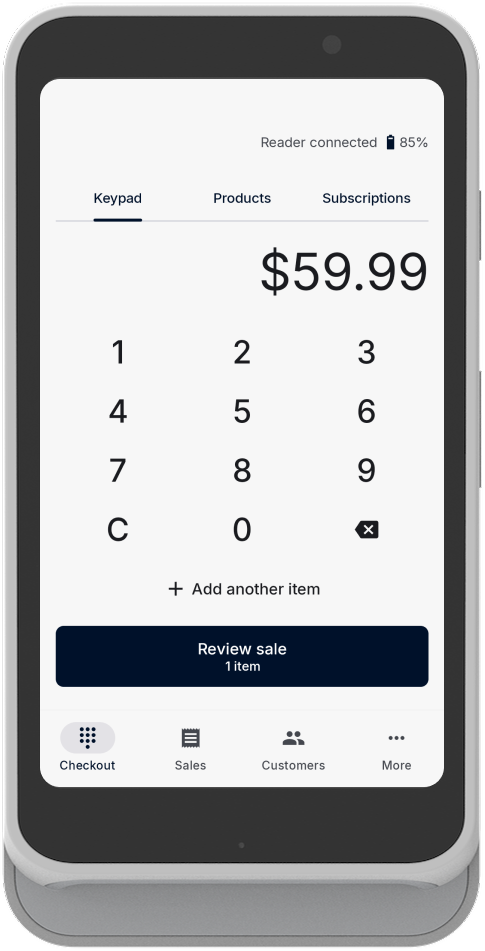
AlfaPOS runs on the reader itself
On the Stripe Reader S700 and S710, AlfaPOS can run directly on the reader. No phone or tablet needed.
Questions about the Stripe connection
Technical details
For developers and anyone checking how the integration is built.
- Account connection
- Stripe Connect with OAuth. Merchants authorize AlfaPOS on their own Standard account.
- Charges
- Direct charges created on the merchant’s connected account, with the AlfaPOS fee as an application fee.
- In-person payments
- Stripe Terminal SDK on iOS and Android, including Tap to Pay. Apps on Devices on the Stripe Reader S700 and S710.
- Typed-in cards
- Stripe’s mobile Payment Element, so card numbers never reach AlfaPOS servers.
- Payments
- Payment Intents, with automatic or manual capture for pre-authorizations.
- Staying in sync
- Connect webhooks for charge, payment intent and invoice events.
- Also used
- Products and Prices, Customers, Tax Rates, Invoicing, Billing, Balance and Payouts.
Connect your Stripe account in minutes
Download AlfaPOS, sign in with Stripe, and take your first in-person payment today.